
Flipping is Hard Multiplayer — 16-Player Co-op & Help Beam
How to host up to 16 players in Flipping is Hard multiplayer co-op, use the Help Beam to rescue fallen friends, and choose between Chill and Hard checkpoints.
How Does 16-Player Multiplayer Co-op Work in Flipping is Hard?
Climbing out of the sewer alone is tense, but Flipping is Hard transforms into a hilarious tactical expedition when you bring a squad. The game natively supports 1 to 16 players in shared online lobbies, letting an entire fleet of custom-skinned Flippia 3310 bricks scale the 10 vertical Trashlands levels together.
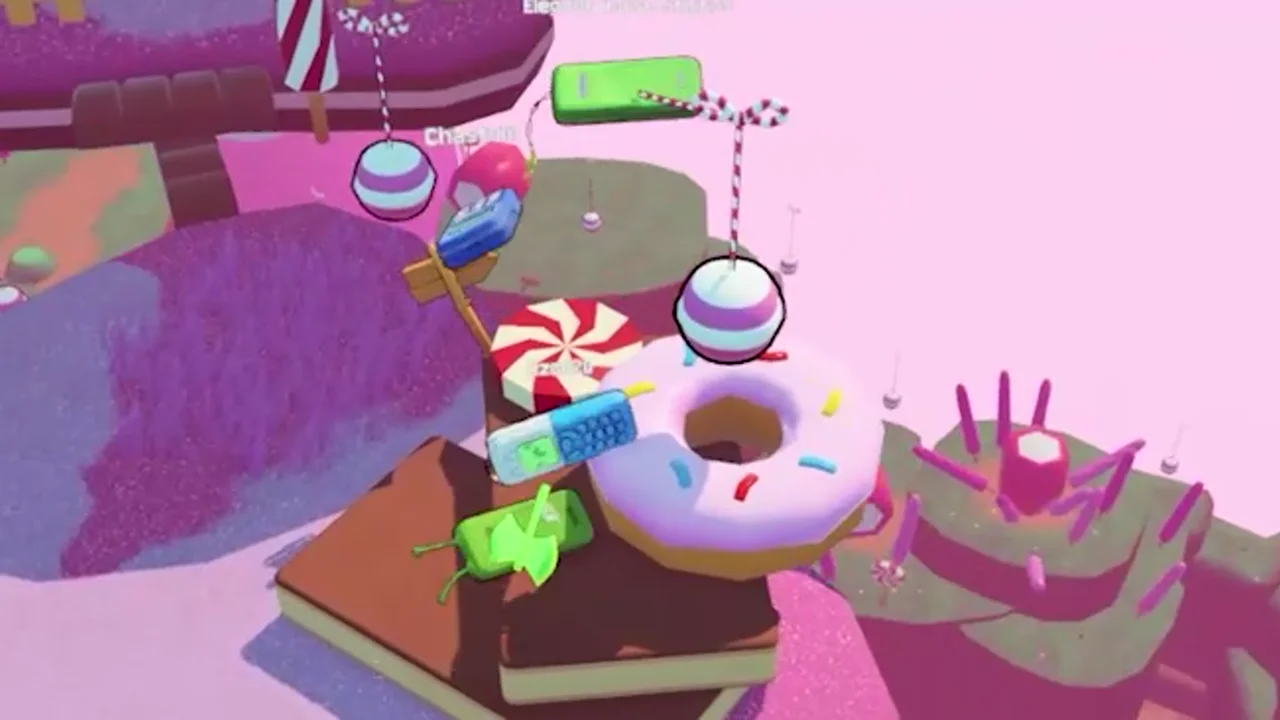
Setting up a multiplayer session takes less than 30 seconds:
- Select Multiplayer from the Title Screen: Choose whether to host a public/friends lobby or join via Steam invite.
- Choose Your Lobby Ruleset: Pick Flipping Is Chill if your group wants checkpoint antennas enabled, or Flipping Is Hard for a pure zero-checkpoint foddian climb.
- Equip Distinguishable Chassis Skins: Before launching, have your squad open the Phone OS (
Tab) and enter our 6 active redeem codes so teammates wear distinct shells (Light_Blue,gold_red_phone,dumb_phone) and are easy to spot from across the map.
How Do You Use the Help Beam to Rescue Fallen Friends?
The signature co-op mechanic in Flipping is Hard is the Help Beam. In most rage-platformers, watching a friend miss a jump in Level 6: The Grid means waiting 20 minutes for them to climb back up from the bottom. Here, high-ground teammates can actively save them.
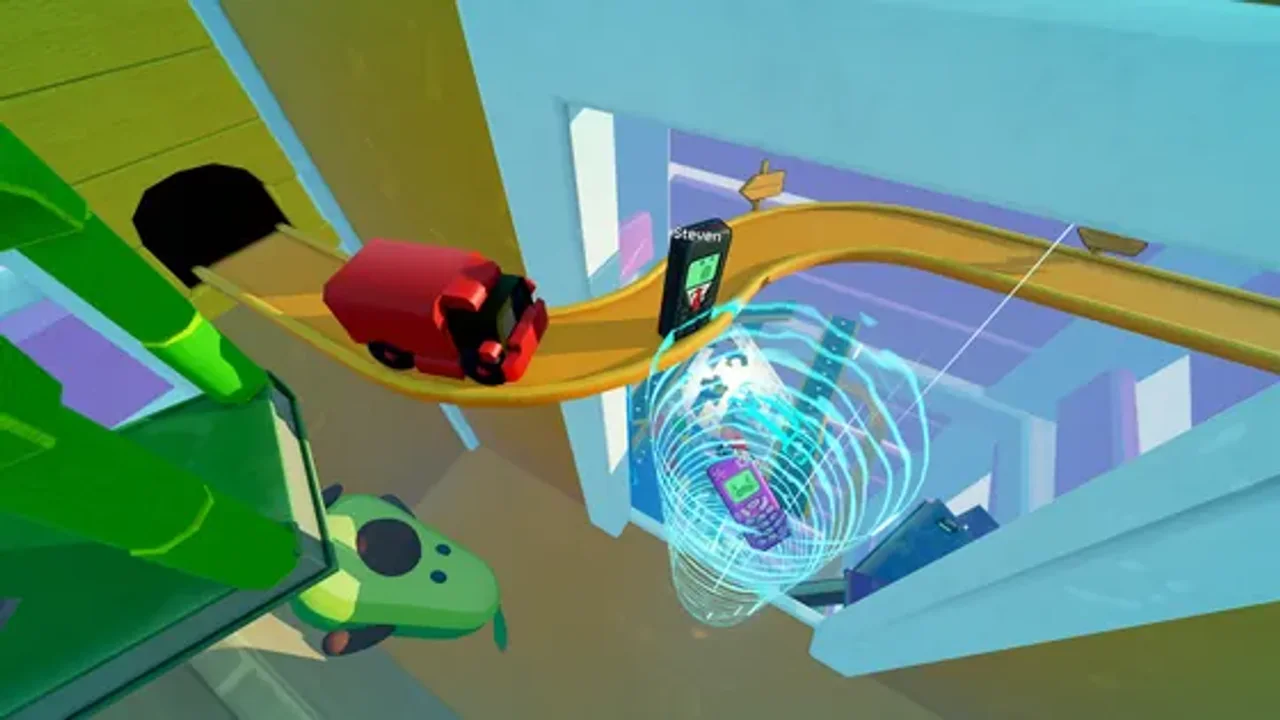
To execute a clean Help Beam rescue without losing your own footing:
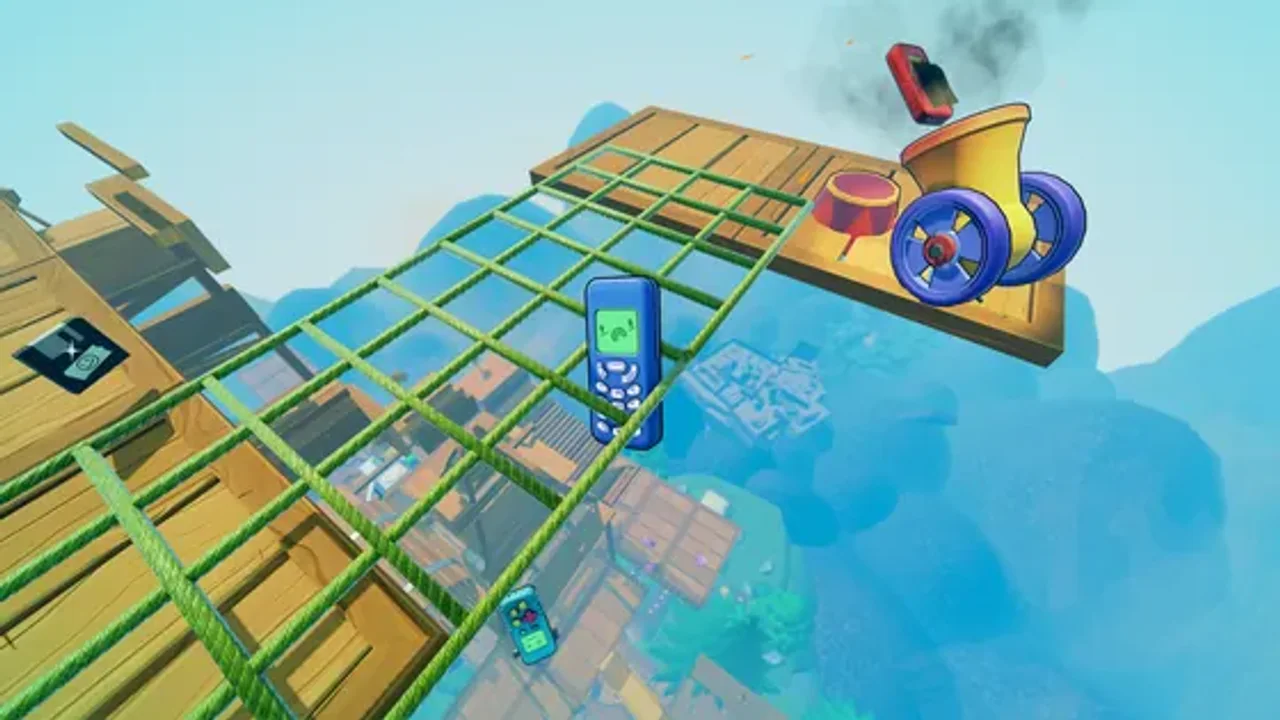
- Step 1 — Designate an Anchor Climber: Whenever your group reaches a dangerous section (such as the slippery frosting bridges in Candyland or the narrow wire racks in The Fridge), one player stays planted flat on the safe ledge as the Anchor.
- Step 2 — Line Up the Vertical Sightline: The fallen teammate positions their phone directly underneath the Anchor’s platform so there is a clear vertical corridor.
- Step 3 — Fire the Help Beam: The Anchor activates the Help Beam over the edge, projecting a glowing tractor tether downward that hoists the fallen Flippia 3310 back up to the squad’s altitude.
Flipping Is Chill vs. Flipping Is Hard Mode: Which Should Your Lobby Pick?
When hosting a lobby, the difficulty toggle changes how punishment works across the 10-floor ascent:
| Feature | Flipping Is Chill Mode | Flipping Is Hard Mode |
|---|---|---|
| Checkpoint Antennas | Active — Glowing checkpoint beacons save your floor progress. | Disabled — Zero checkpoints from Floor 1 to Floor 10. |
| Physics & Jump Angles | 100% Standard Flippia 3310 Physics | 100% Standard Flippia 3310 Physics |
| Help Beam Availability | Enabled in Co-op | Enabled in Co-op |
| Collectibles & NPCs | All 14 Golden Horse Coins & 18 NPCs active | All Coins & NPCs active + Hard-mode bragging rights |
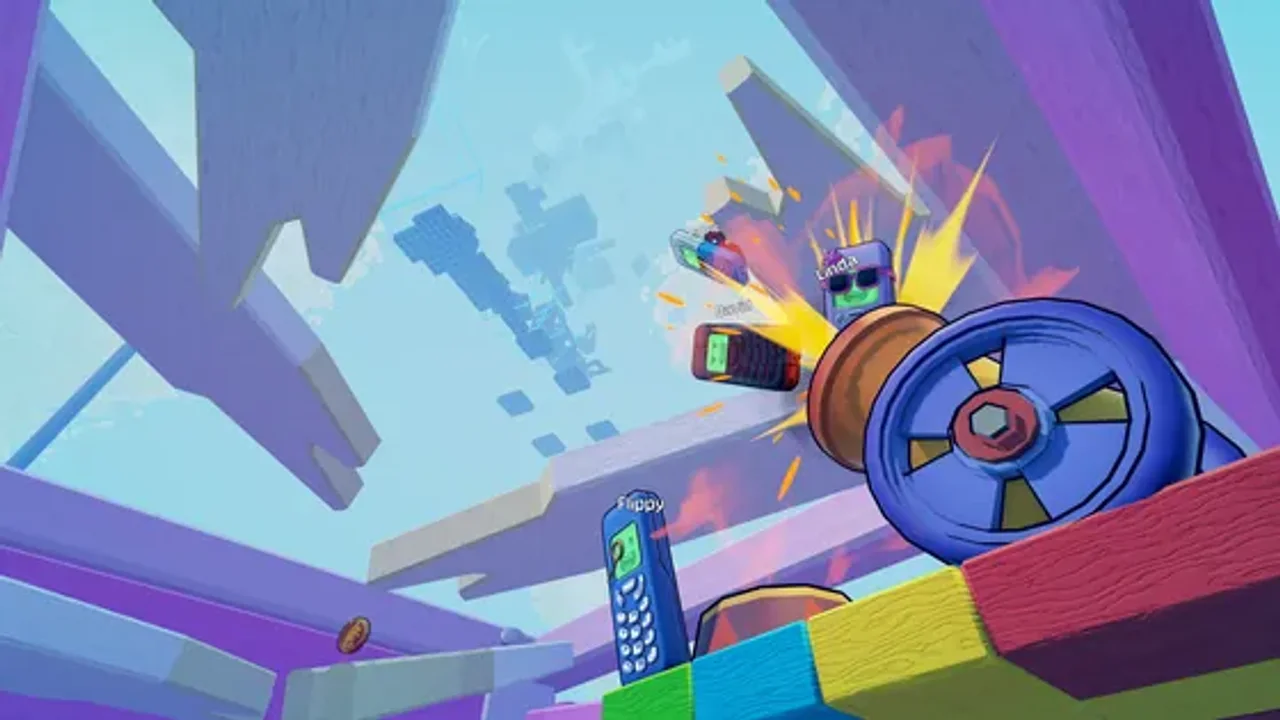
If your group is hunting all collectibles or visiting Ms. Elephant and Plonk for the first time, host in Flipping Is Chill mode first to learn every jump setup. Once your team masters hinge-bounce controls, switch to Flipping Is Hard and race the clock using our Achievements & Speedrun Guide.
FLIPIA OS // VERIFIED ANSWERS
Frequently Asked Questions
How many players can play Flipping is Hard multiplayer?
What is the Help Beam in Flipping is Hard?
Can players bump into each other in multiplayer?
Does multiplayer work in both Flipping Is Chill and Flipping Is Hard modes?
NEXT IN TRASHLANDS
Related Field Guides
guides
Flipping is Hard Achievements & Speedrun Guide — Fast Routes
Complete Flipping is Hard achievement roadmap and speedrun routing guide. Learn the fastest skips in Cardboard Fort, The Grid, and Hard Mode completion tips.
guides
Flipping is Hard Controls & How to Jump Guide — Physics Tips
Master Flipping is Hard controls, jump angles, hinge momentum, and flat-face landing recovery. Stop tumbling down the Trashlands with these physics tips.
Did this Trashlands guide help your climb?
Signal received! Thanks for the feedback.